Frequently Asked Questions
Find answers to common questions about our platform
👤 Profile
How do I create a new profile?
To create a new profile, go to Create Profile. Fill in your basic information including name, email, and profile picture. Once completed, click "Save" to create your profile.
Can I edit my profile information later?
Yes, you can edit your profile at any time. Simply go to Create Profile.
What information is required for a profile?
- Contact info - for customers to reach out
- Tag line - to connect
- Picture - to explore
🚀 Onboarding Customers
How do I start onboarding customers?
Onboarding customers is inviting customers to subscribe to your Profile. Go to the Onboarding Page from your dashboard. This is where you can add and manage all customer invites.
What are the ways to onboard customers?
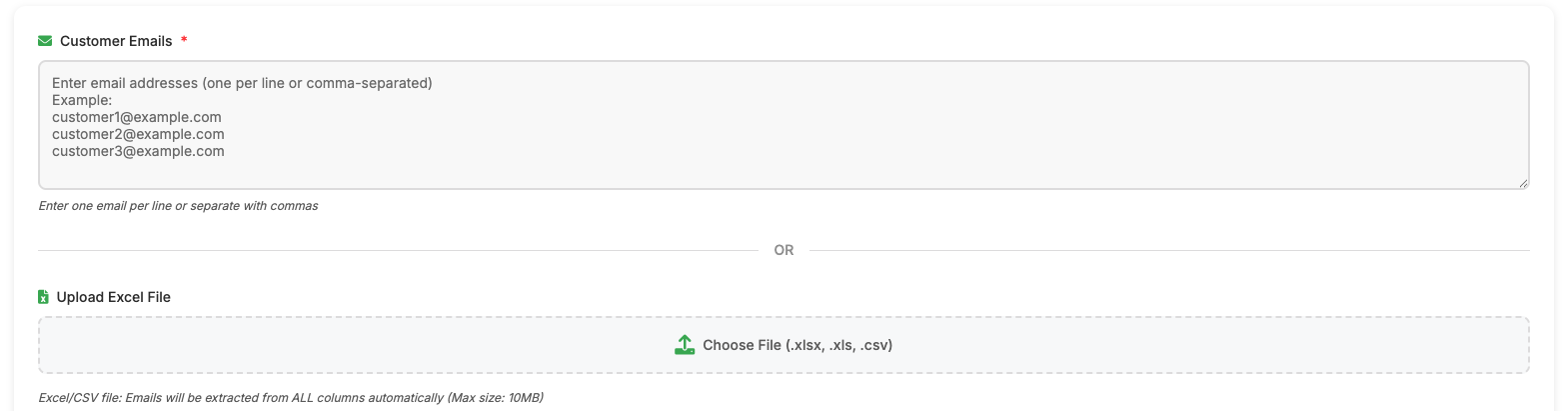
1) Upload an Excel file
You can upload an Excel file with customer email addresses.
2) Add customers manually
You can also enter customer email addresses one by one directly on the onboarding page.
What happens after customers are added?
- An invite is automatically sent to each customer
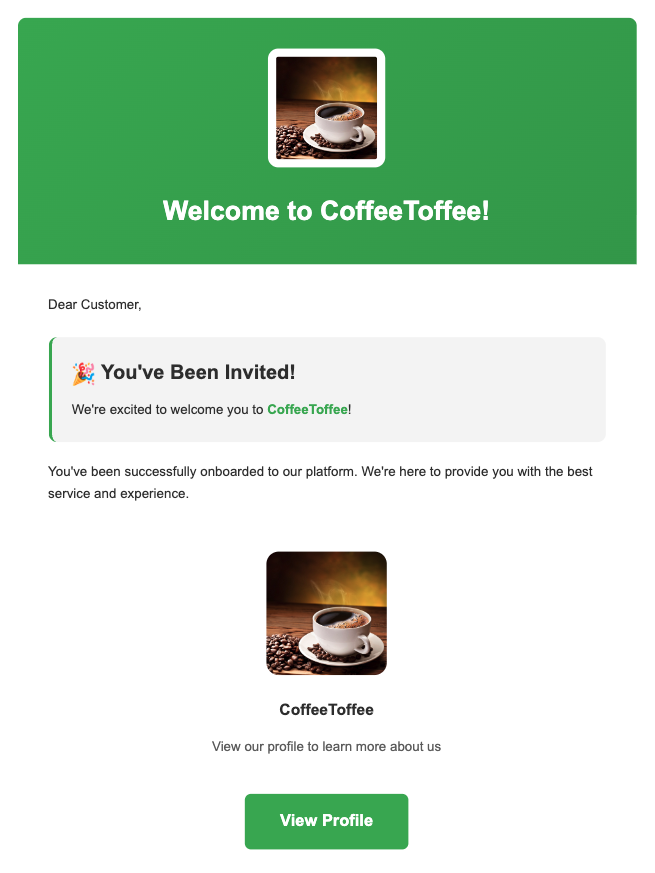
- The customer receives an email to join the platform
- After accepting the invite, they are subscribed to your business
Do customers need to sign up themselves?
Yes. Customers download the app and complete a simple log in.
Can I onboard more customers later?
Absolutely. You can return to the onboarding page anytime to add more customers.
Tip: Keep your customer list updated so invites always go to the right people.
🎨 Making Kite Messages
How do I create a new Kite?
To create a new Kite, click the Create New button in the dashboard.
What can I include in a Kite?
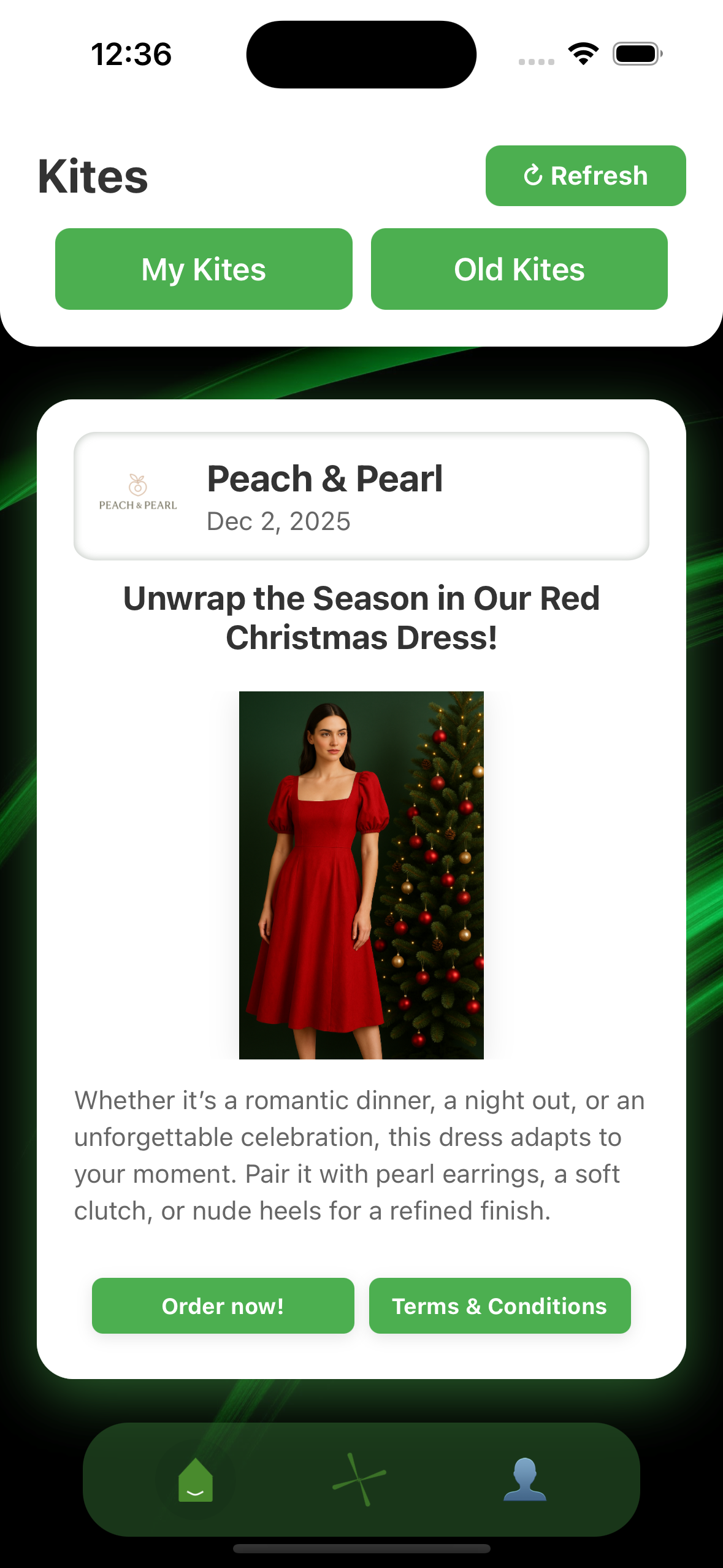
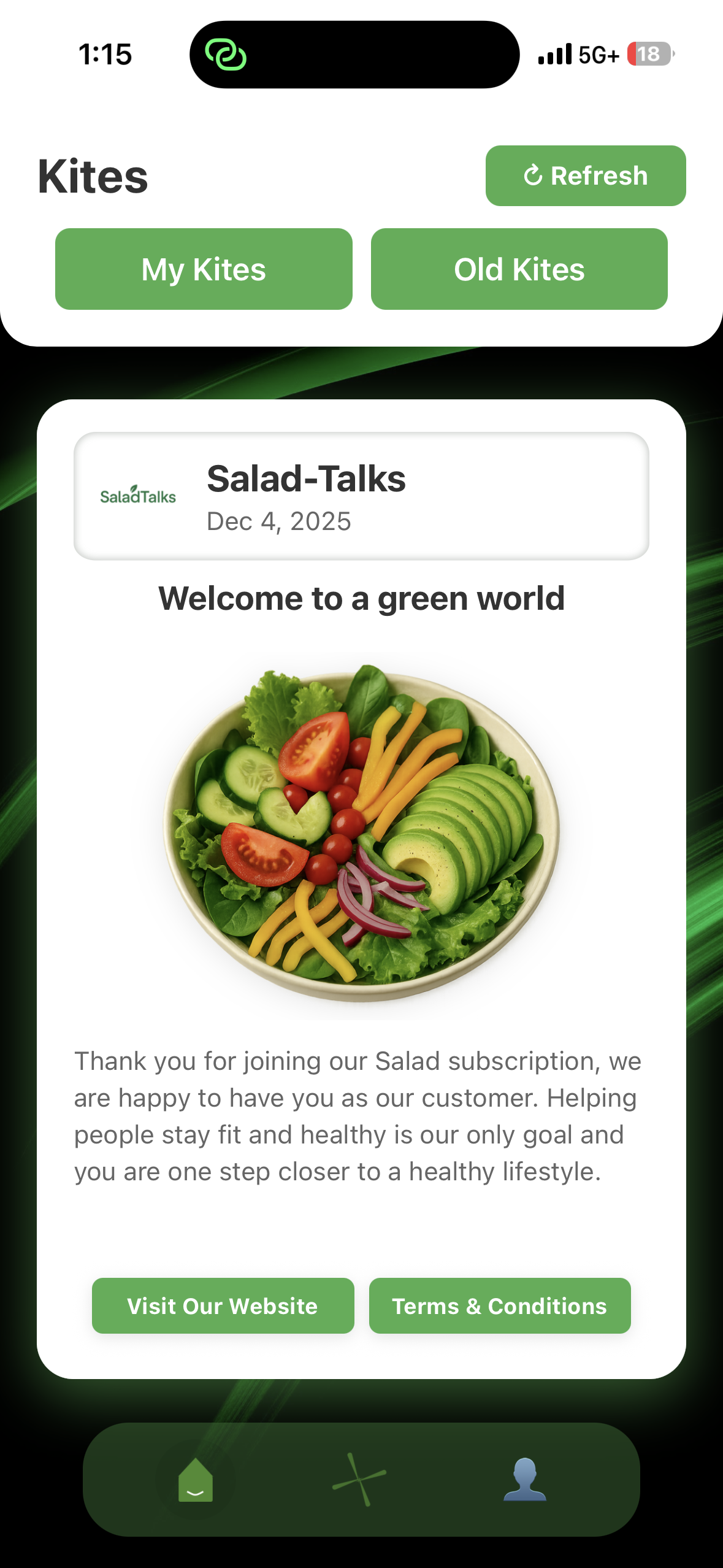
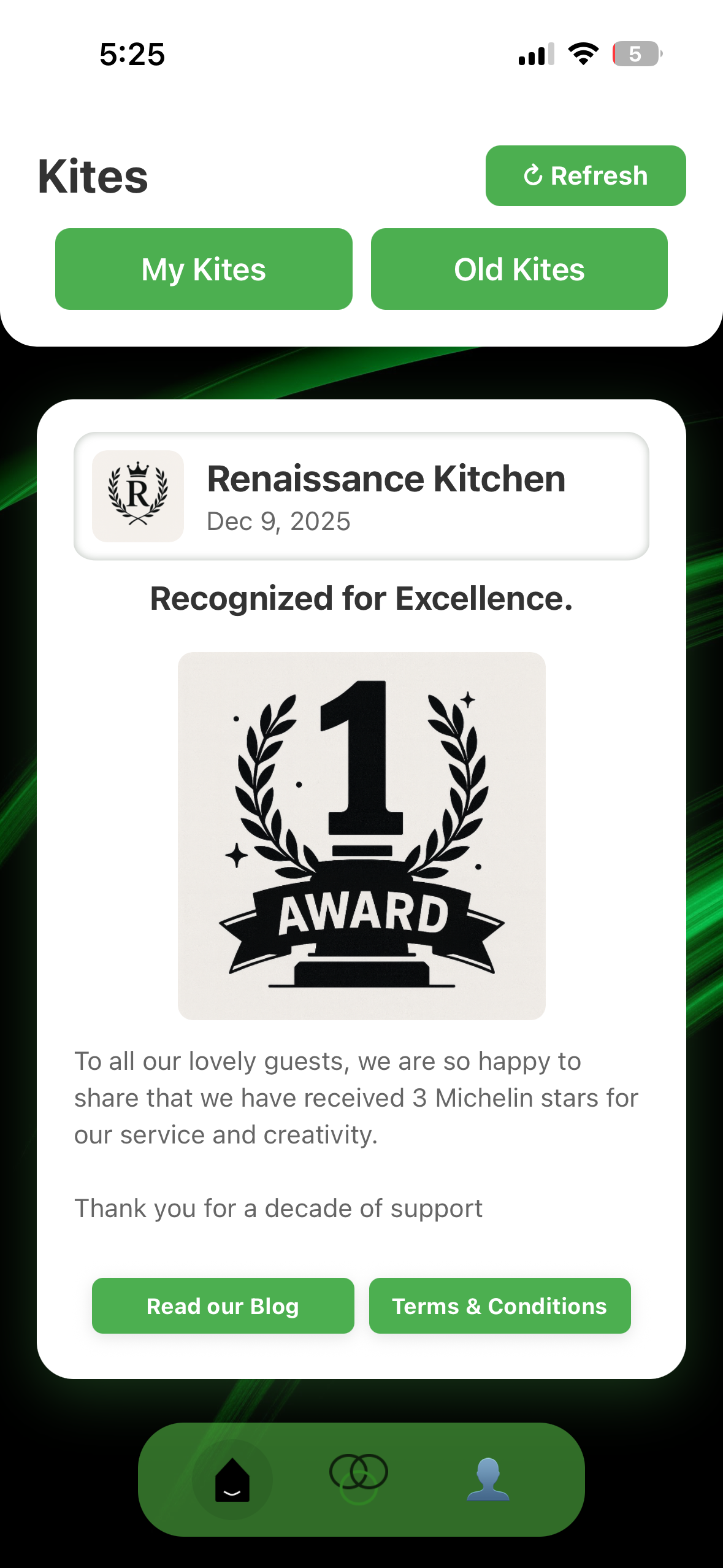
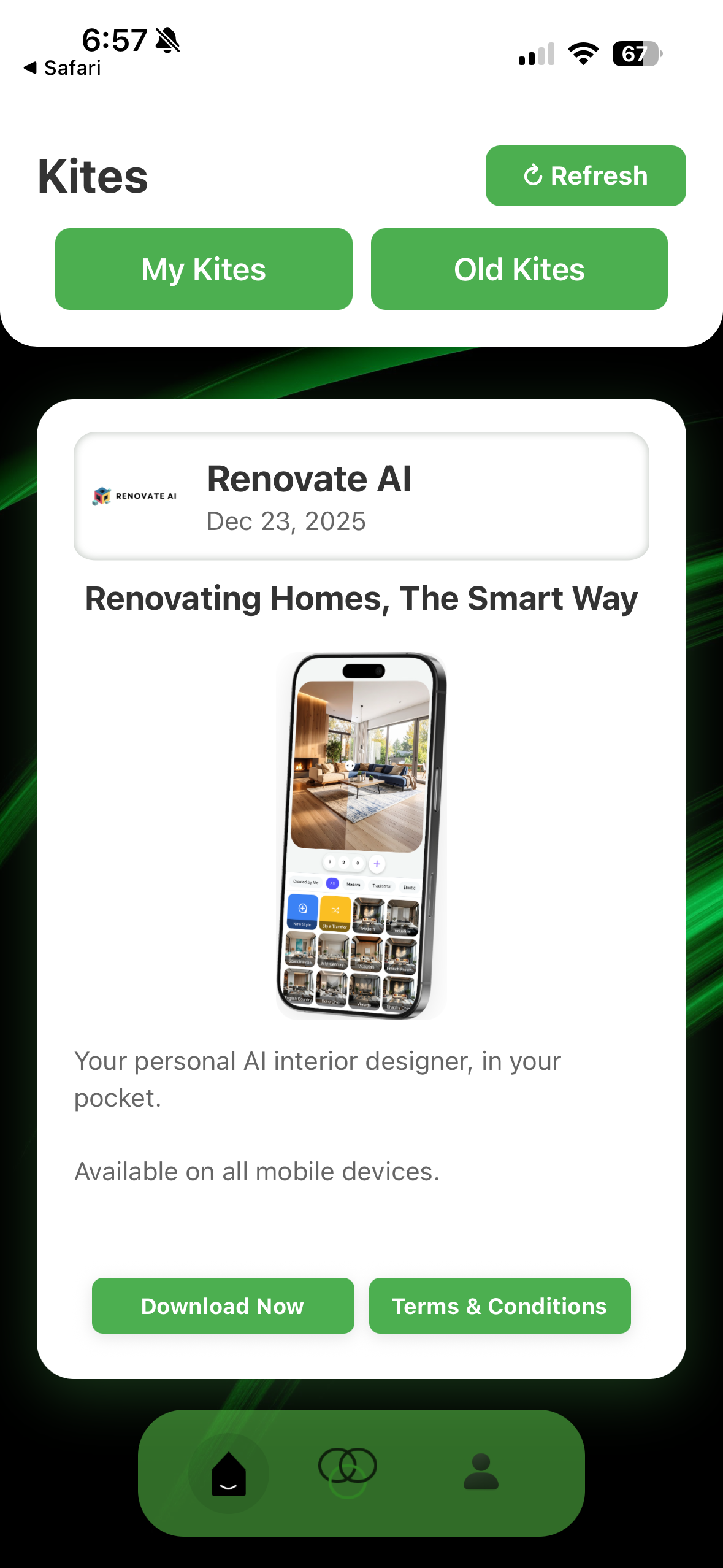
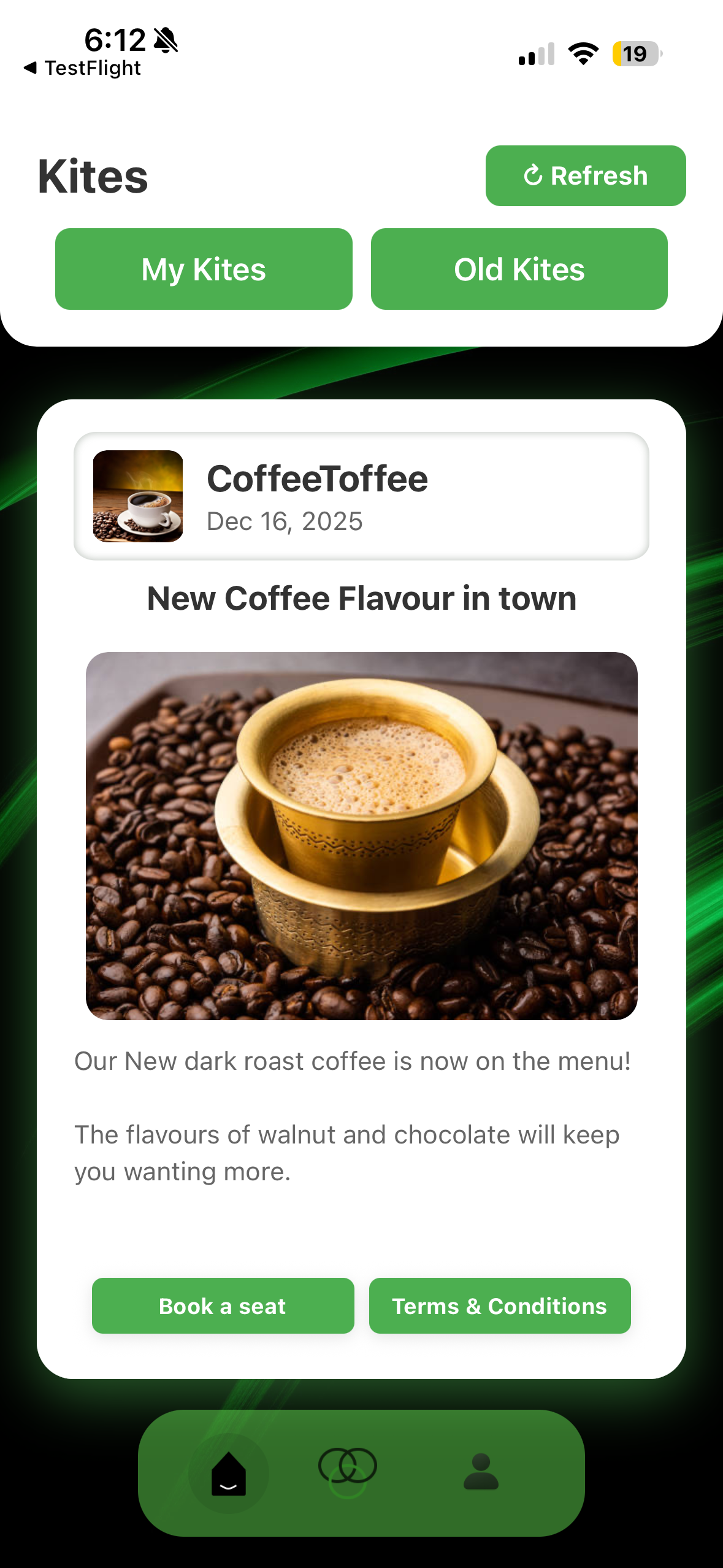
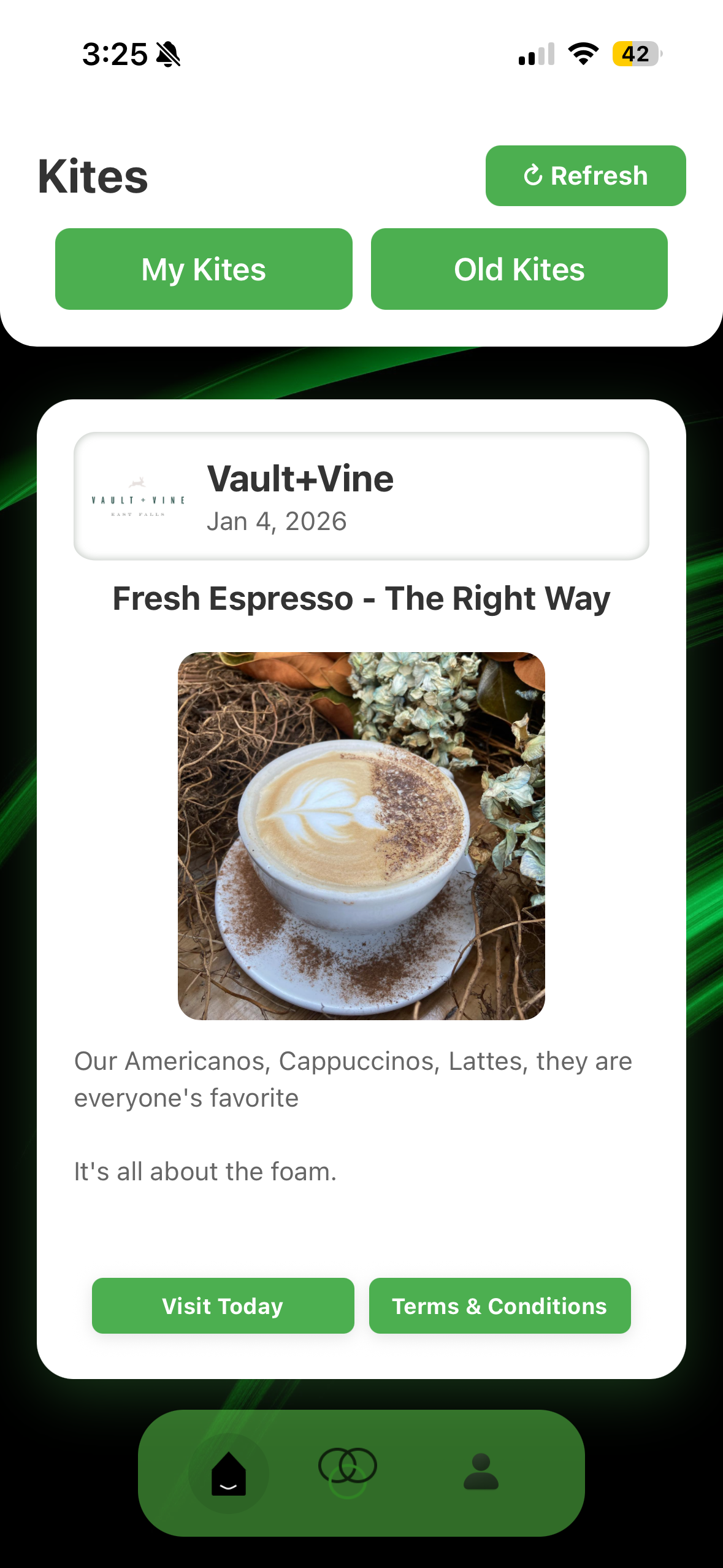
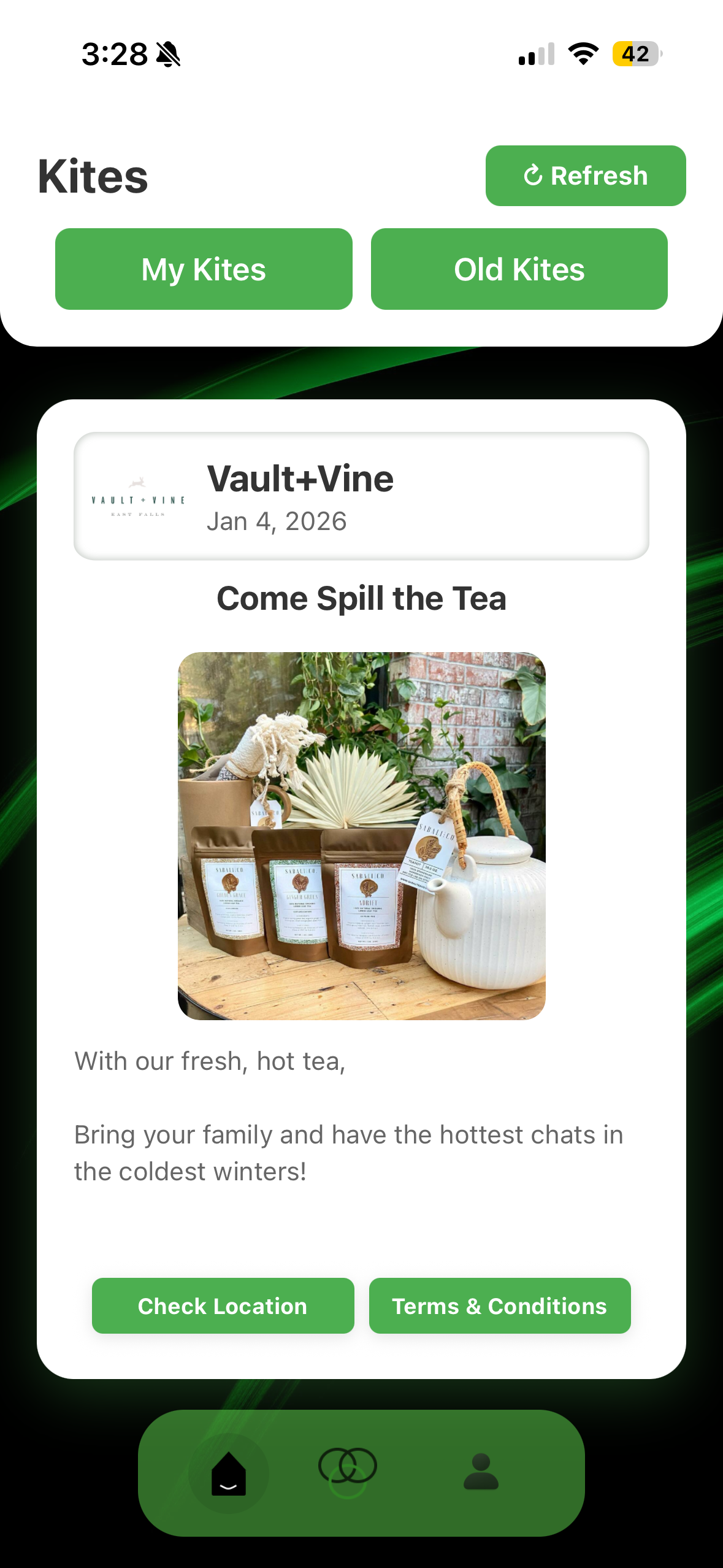
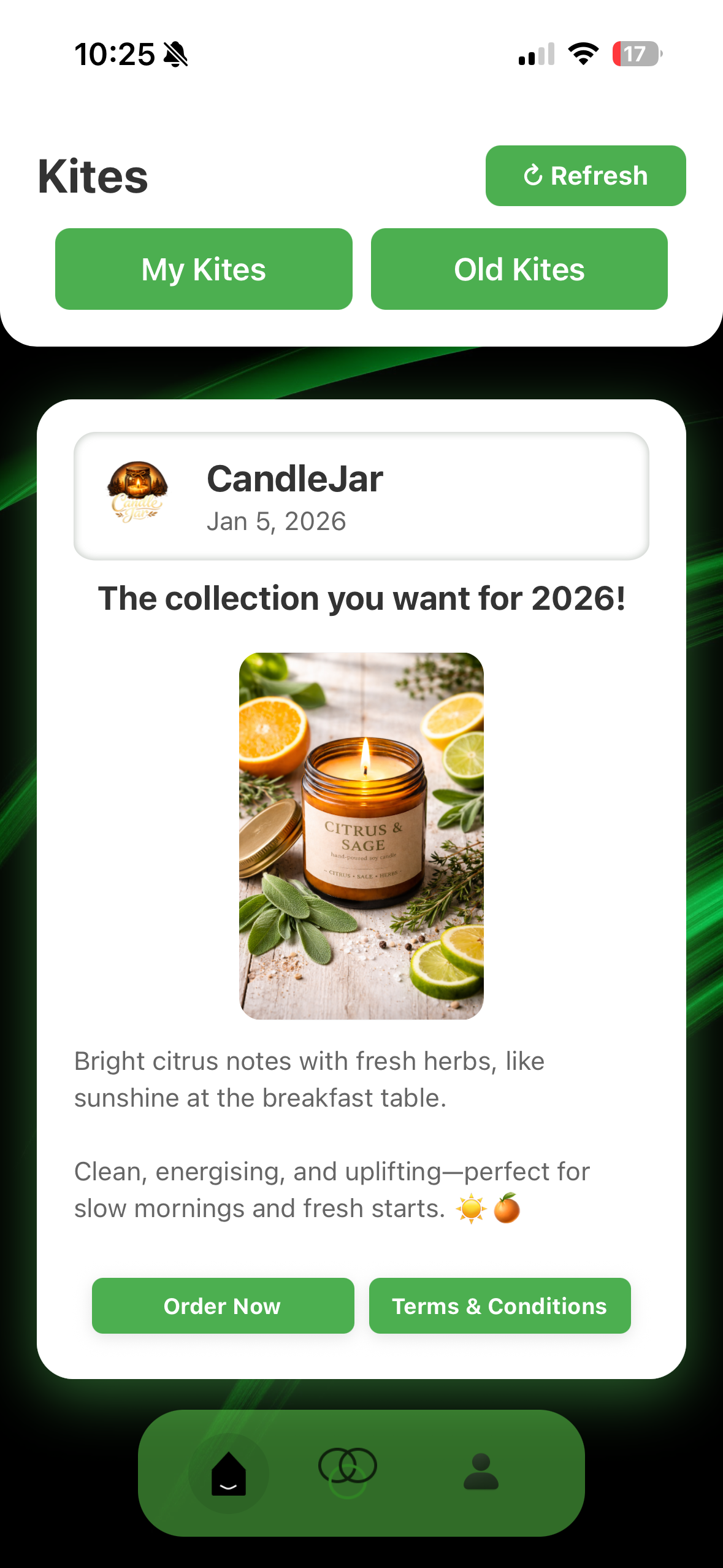
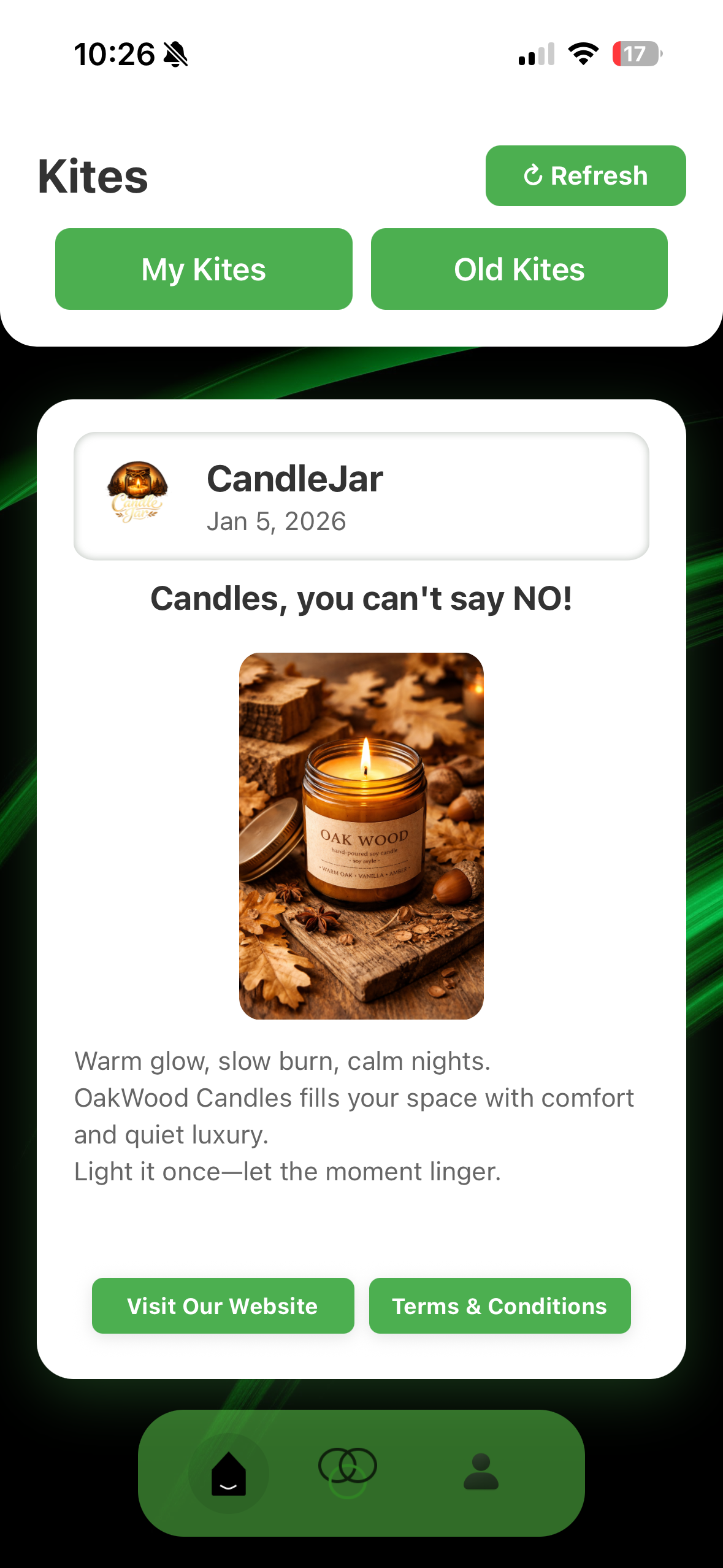
A Kite can include text, image, one link to a website/product/... and custom name to the website. You can add another button called "Terms and Conditions" where you can add additional information.
*make sure to give message name - customers cannot see this, it for businesses to track*
Example: Only valid till April 5th 2026
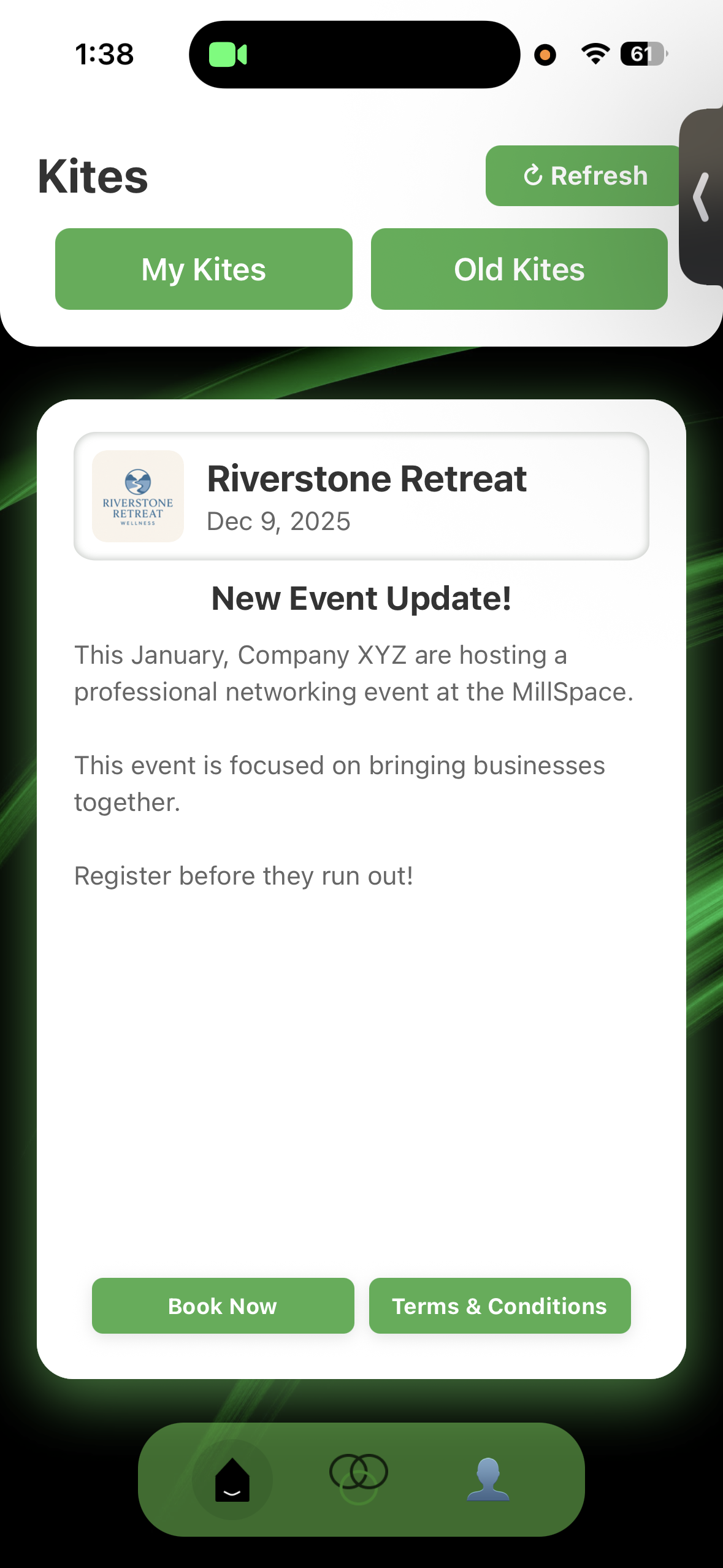
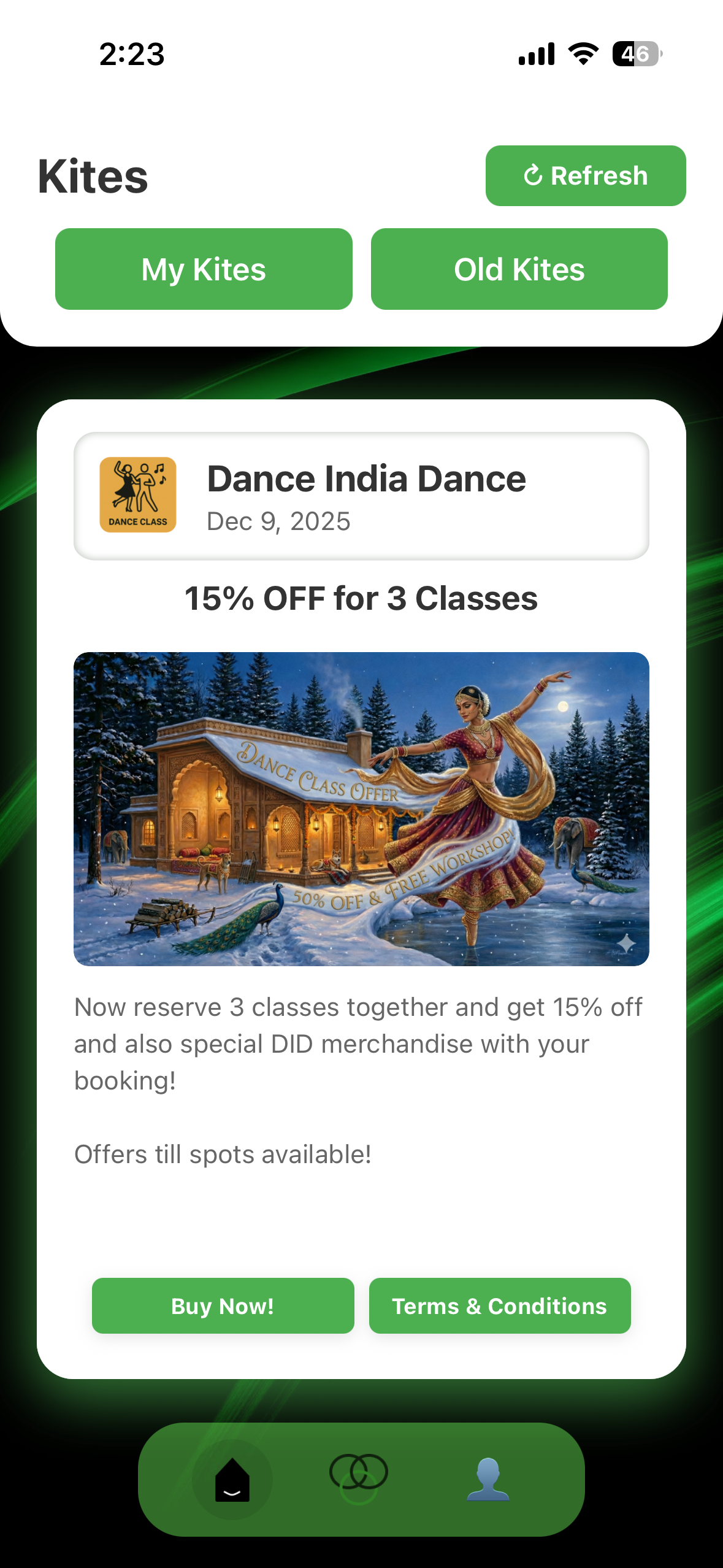
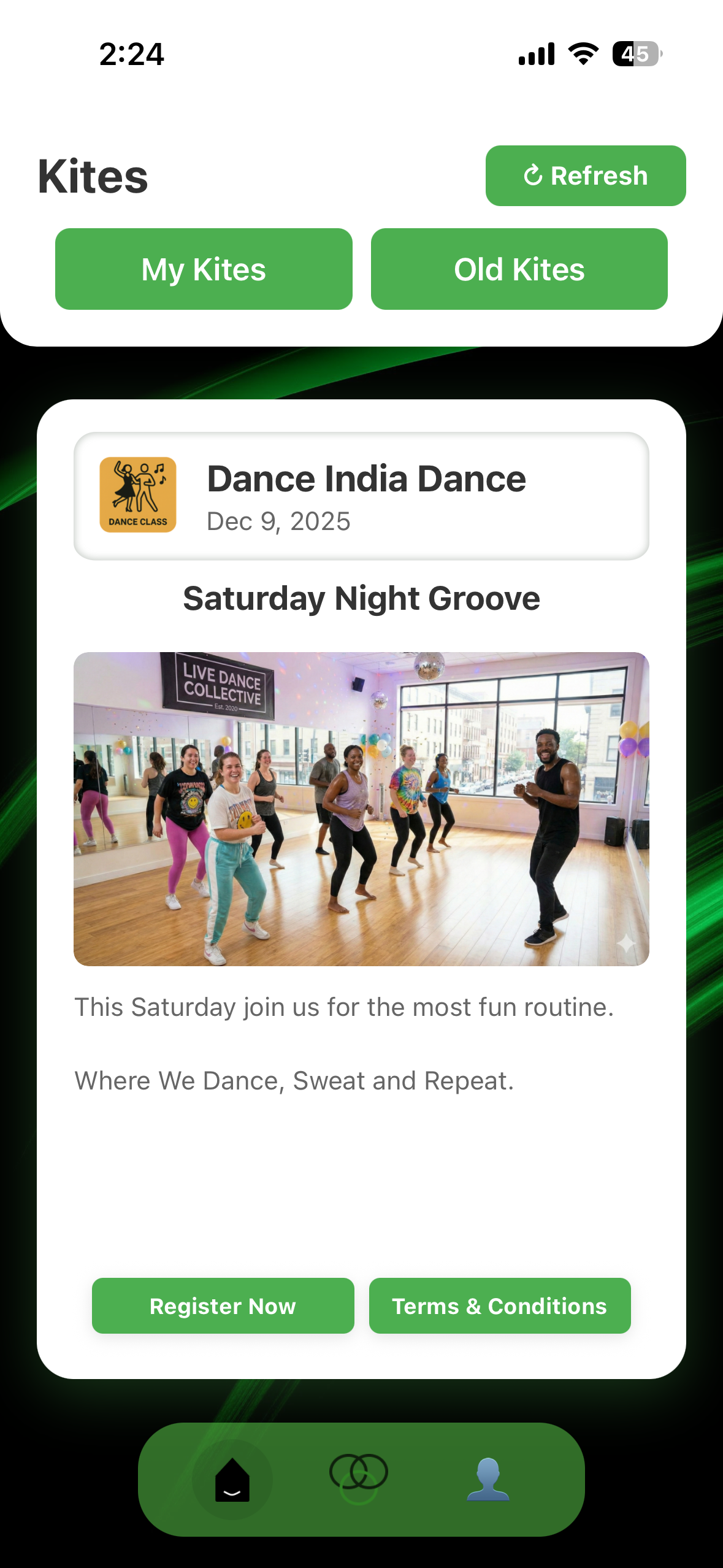
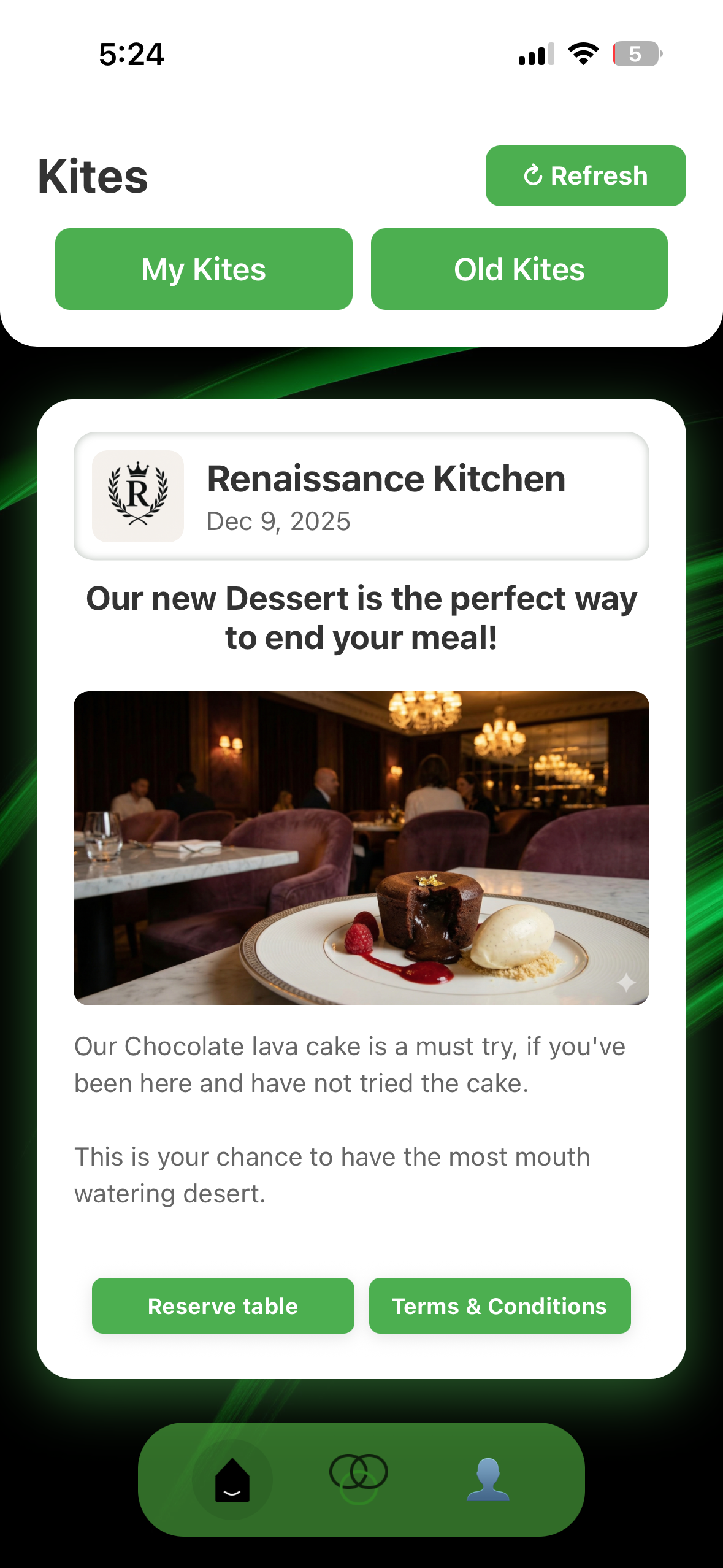
Example Kites
Here are some examples of Kites you can create:
- Newsletter - Share updates and news with your customers
- Daily Update - Keep customers informed about daily happenings
- Marketing Offer - Promote special deals and discounts
- Product Update - Announce new features or improvements
- New Product Launch - Introduce new products or services
- Greeting Customers - Welcome messages and greetings
- Event Updates - Share information about upcoming events

Can I save a Kite as a template?
Yes! After creating a Kite, you can save it as a draft for future use. This allows you to quickly start from where you left.
How do I preview my Kite before sending?
Click the "Preview" button in the Kite editor to see how it will appear to recipients.
Sending to Customers
How do I send a Kite to my customers?
Once your Kite is ready, click the "Send" button.
Can I send a Kite to multiple customers at once?
Yes, you can send a Kite to multiple recipients. Click Send to all.
Can I send a kite to selected customers?
Yes you can select customers from your customer list.
Can I schedule Kites to be sent later?
Absolutely! When sending a Kite, you can choose to schedule it for a specific date and time. This is perfect for time-sensitive campaigns or when you want to send during optimal hours.
How do I track if my customers have viewed the Kite?
All sent Kites are automatically tracked. You can view swipe rates, click-through rates, and engagement metrics in the Analytics section of your dashboard.
📊 Analytics
What analytics are available for my Kites?
You can track Swipes, unique visitors, subscribers, click-through rates, engagement rate.
How do I access my analytics dashboard?
Navigate to the "Analytics" tab in your dashboard. You'll see an overview of all your Kites with detailed metrics. Click on any Kite to view its specific analytics.
Can I export analytics data?
Currently feature not there yet.
How often is analytics data updated?
Analytics data is updated in real-time. You'll see new views, clicks, and engagement metrics appear as they happen.